
Fashion shoot management. Tag smarter, move faster.
Just as well for portrait sessions and product shoots.
Notarized by Apple
A license key is required to tag. Download and try the app first.
v1.1.19 — got the latest?
SetTag tags during the shoot, photo by photo. Looking instead for a tool that searches and cleans up a whole folder of photos at once, including every RAW format? That's MetadataChecker.
Check out MetadataChecker →Hundreds of frames, dozens of products. Everything has to be findable tomorrow.
Prep shoots and sets in advance, with brand, model and location.
Build it once, reuse it every time. Put your sets together in a few clicks.
One at a time, or in bulk as a PDF for a whole shoot.
SetTag recognises it and activates your set automatically. Shooting time!
Brand, model, location and items straight into the file, no sidecar, no separate step.
Bits of this idea already exist elsewhere: scan a code somewhere, fill in a field somewhere. What you won't find elsewhere is the whole combination in one product.
Brand, model, location and multiple items with colour, not a single bare code field like most alternatives.
Runs as a watch folder alongside it. Your tethered workflow stays exactly as it is, no switch required.
Real IPTC/XMP metadata, no filename trick, no sidecar file. Your filenames stay exactly as your camera delivers them, SetTag never renames.
USB scanner, manual entry, or recognised automatically from the photographed QR set card.
Prep shoots, sets and QR cards in advance, even by a stylist or assistant, no license needed.
Monthly, yearly, or lifetime, whatever fits you.
See the full comparison with Smart Shooter, Photo Mechanic and more →
During a fashion shoot, hundreds of photos an hour can come in, spread across dozens of sets: different products, colours and variants captured in quick succession. SetTag runs in the background alongside your tethered-capture session and automatically writes the right metadata (brand, model, colour, items) into every new photo the moment it lands.
No separate admin work afterwards. You scan or select a set, shoot, and every photo already carries the right tags before it leaves the folder.
SetTag is built for photographers and studios doing catalogue or e-commerce photography with many changing products per shoot day, for example for fashion brands. If you work with Capture One or a similar tethered workflow and don't want to hand-tag hundreds of files afterwards, this is exactly what SetTag is for.
Works with what you already use
SetTag watches a folder, not a specific app. Works with Capture One, Lightroom Classic, Canon EOS Utility, Nikon NX Tether, or anything else that writes to a folder, even without expensive tethering software.
RAW, DNG, TIFF, JPEG, HEIC — practically any file format your tethered workflow produces.
No separate text file, the metadata lives right in the photo itself, visible right away in the tools you already use. Click a photo for the details.
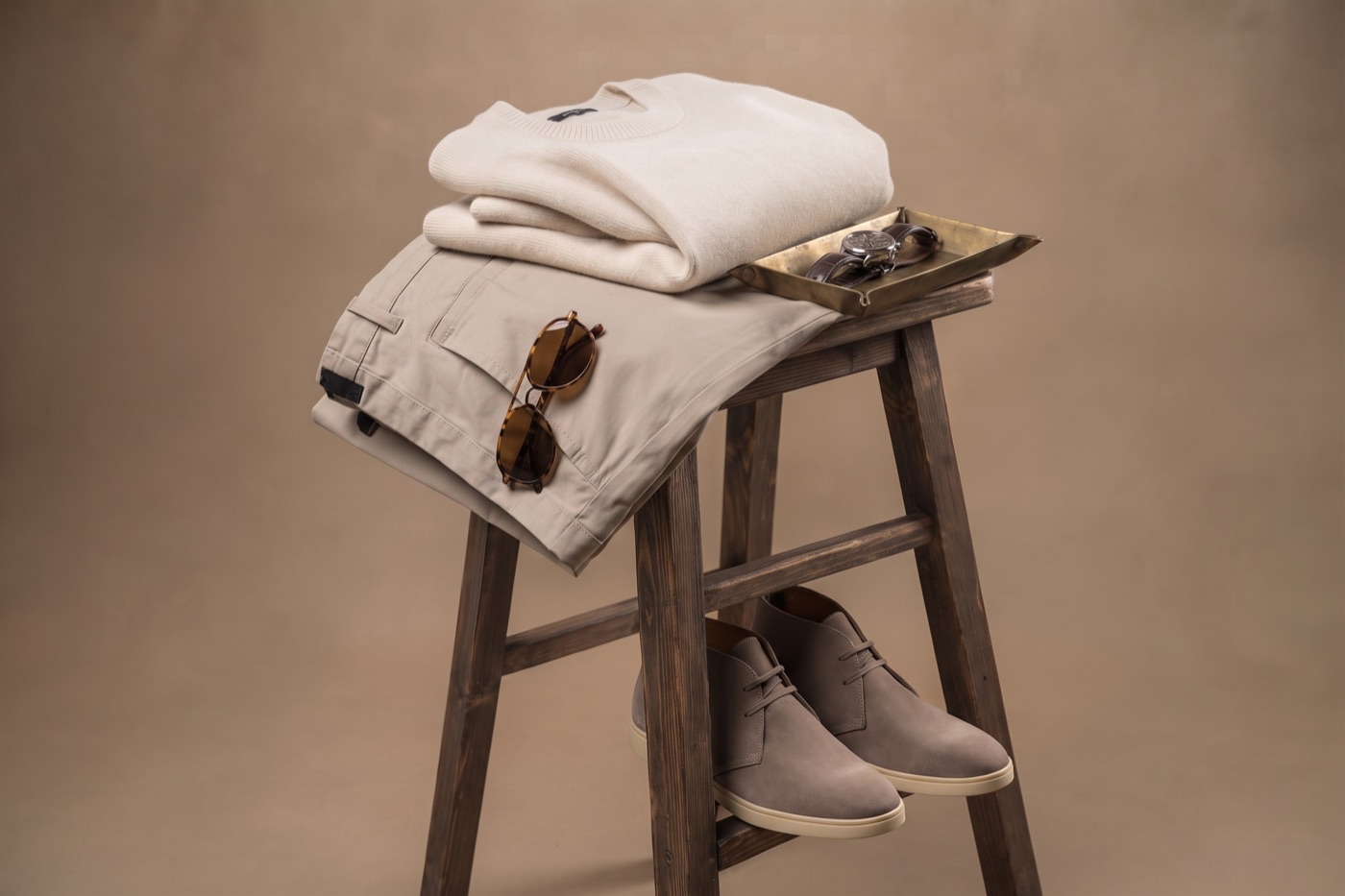
Brand, model, colour and the items in a full look are already in the photo before you start selecting, even with dozens of outfit changes in a single day.

Working per model or per look instead of per product set? SetTag tags per person just as well: name, session and context are already in every photo before you start your selects. For a large group, like a whole team at the office, import a name list beforehand and know exactly who you've already photographed by the end of the day.

Jewellery, watches, interiors, electronics: whatever you shoot with many changing products per shoot day, the same watch folder and catalogue work for every category, not just clothing.
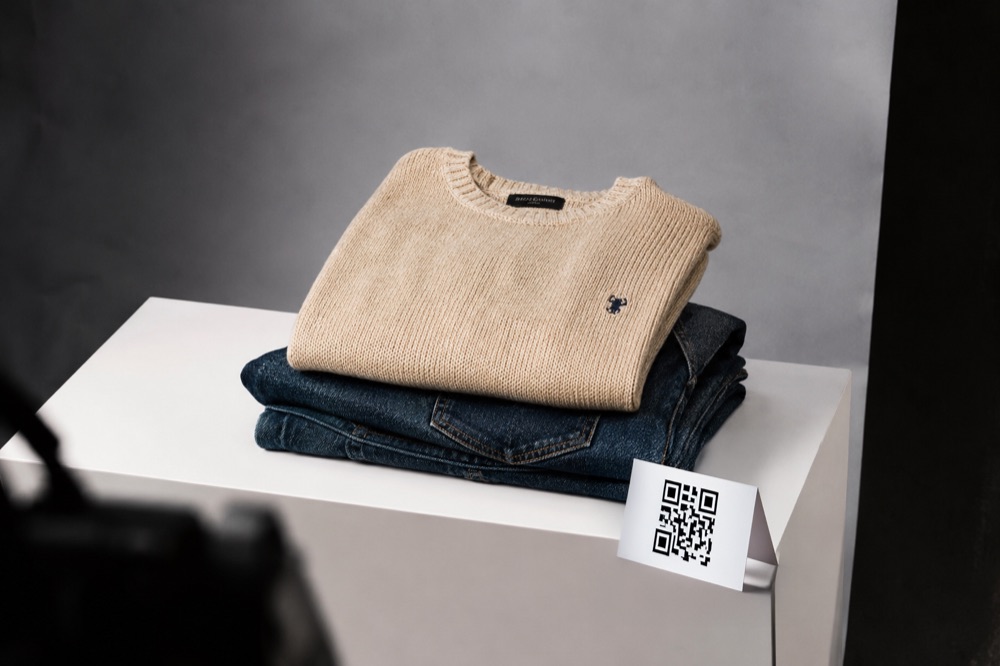

SetTag watches your tethered-capture folder and tags every new photo automatically, including with Capture One.
Scan a set via a USB barcode scanner, manually, or automatically from a photographed QR set card.
Build a client-wide list of products and colours, and quickly pick from that catalogue per set.
Recognises reused file numbers (e.g. Canon's rollover after 9999) and tags correctly again.
Export your shoot data as CSV or JSON for archiving or further processing.
Full manual built into the app, no separate documentation needed.
Yes. SetTag supports the main RAW formats (CR3, CR2, NEF, NRW, ARW, RAF, RW2, ORF, DNG) alongside JPEG and TIFF. Metadata is written via XMP, including on RAW formats like CR3 that don't support the older IPTC format.
No. SetTag checks your license locally via a cache. As long as it validated somewhere in the past 7 days, automatic tagging keeps working without wifi or 4G, handy on location.
€ 29,95 a month, € 599,00 a year, or € 699,00 one-time (lifetime), incl. VAT.
The app itself is macOS-only and is notarized by Apple. The metadata SetTag writes lives in the file itself, so keyword search also works in Windows Explorer, for example if a colleague or client uses Windows.
For macOS, notarized by Apple. A license key is required to tag.
Download SetTag (macOS)Notarized by Apple
Work with a stylist or assistant who preps shoots, sets and QR cards ahead of time? Do that with the free SetTag Prep app, no license needed.
Download SetTag Prep (free)I'm a working photographer myself, and I was looking for a way to automatically get the right brand, model and location data into every photo during corporate portrait sessions and product shoots. That didn't exist, so I built it. Now I use SetTag on almost every shoot: twenty or thirty people in a day, or a rack full of products, and afterwards I never have to go digging.
Creator of SetTag
Choose what fits you: monthly, yearly, or lifetime.
incl. VAT
Never think about it again. Covers updates within the current major version; a future big version is a separate, discounted upgrade.
OrderMultiple photographers or digitechs in the same studio? SetTag — Studio gives you 5 seats on one licence, € 599,00 per year →
Bigger, with a rotating pool of freelance digitechs, or more than one cart? See SetTag for studios →
You get your key right after purchase on the confirmation page and in the email, and can find it again later via My account.

Also working through a name list or client list after the shoot? PhotoRname automatically matches your photos to the right person, renames them in bulk and sends them straight out by email. A natural companion to SetTag if you work with individual clients or models instead of SKUs.
Check out PhotoRname →
Want to view or clean up metadata outside your tagging workflow, for a whole folder at once? MetadataChecker is a standalone macOS app that searches, analyzes and cleans an entire photo set at once, including every RAW format. One-time purchase, no subscription.
Check out MetadataChecker →